

 RSS Feed
|
|||||||||||||||||||||||||||||||||||||||||||||||||||
|
|||||||||||||||||||||||||||||||||||||||||||||||||||
Able Multipage View |
|||||||||||||||||||||||||||||||||||||||||||||||||||
|
Able Multipage View is
Light
version of the Able Fax Tif View.
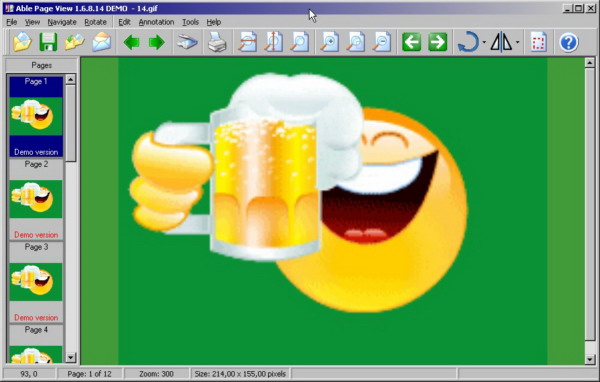
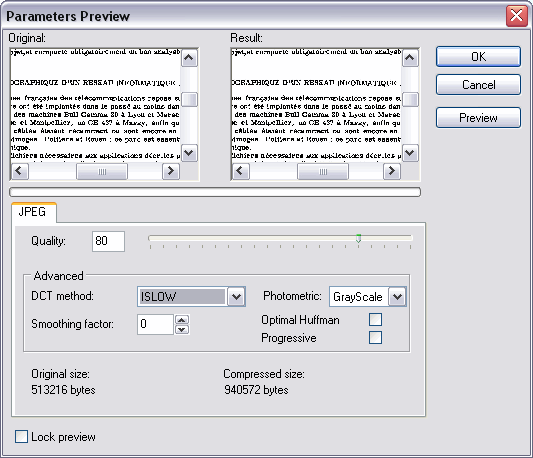
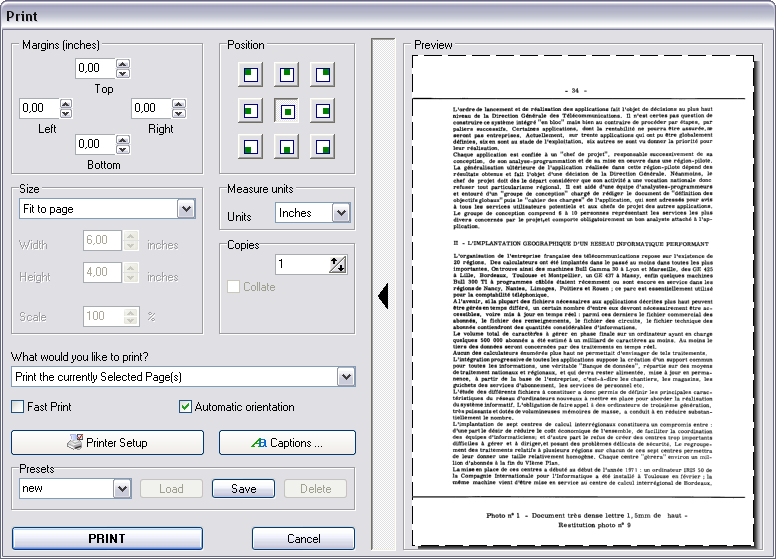
Able Multipage View is a FAX and TIFF viewer and converter, offers you a full solution for viewing, printing, drawing, saving, converting (for Windows 8, Windows 7, Windows Vista, XP and older systems). Handle Windows standard imaging documents, Kodak imaging compatible, support over 30+ image formats, view and save multipage images in Tiff or PDF formats. Other features include automatic image processing tools useful for touching up scanned images; the ability to view Wang or Kodak imaging annotations; handle fax images with different horizontal and vertical DPI resolution. Able Multipage View can show all kinds of FAX images, multipage FAX and multipage TIFF images (rev.6.0, Packbits, LZW, CCITT G.3 and G.4) with RGB, CMYK, B/W, animated GIF and Multipage PCX (DCX). Also FAX (CCITT3), G3F and G3N (Zetafax) formats supported for loading. Able Multipage View supports many FAX file formats. Supported 4, 8, 16, 32, 64, 128 and 256 colors paletted images. Images viewed on the screen can be sent directly to any printer supported by your operating system. Size, area and position are adjusted using a comfortable printer dialog. Able Multipage View can convert FAX and TIFF files to standard TIFF/FAX format, JPEG format (RGB, GrayScale, YCbCr, CMYK, YCbCrK), PNG, BMP, Adobe PDF, PCX, PostScript PS, Wireless Bitmap WBMP, GIF, DIB, RLE, TGA (TARGA, VDA, ICB, VST, PIX), Portable Bitmap PBM, PGM and PPM. Twain support for scanners and digital cameras. You can send the fax by printing to "FAX" printer (Windows Fax Driver). Able Multipage View software is a small, fast and efficient viewer and converter for Windows 9x/Me/NT/2K/XP/Windows Vista/Windows 7/ Windows 8.
|
|||||||||||||||||||||||||||||||||||||||||||||||||||
Program's features |
|||||||||||||||||||||||||||||||||||||||||||||||||||
|
|||||||||||||||||||||||||||||||||||||||||||||||||||
Feature comparison between versions of the program |
|||||||||||||||||||||||||||||||||||||||||||||||||||
Able Multipage View is a light version of the Able Fax Tif View.
|
|||||||||||||||||||||||||||||||||||||||||||||||||||
Screenshots (click thumbnails to see big image) |
|||||||||||||||||||||||||||||||||||||||||||||||||||
|
|||||||||||||||||||||||||||||||||||||||||||||||||||
Download, Purchase |
|||||||||||||||||||||||||||||||||||||||||||||||||||

|
|||||||||||||||||||||||||||||||||||||||||||||||||||
Testimonials, Press Release and Awards |
|||||||||||||||||||||||||||||||||||||||||||||||||||
|
Please read some of our customers' TESTIMONIALS, read our PRESS RELEASE and see our AWARDS.
|
|||||||||||||||||||||||||||||||||||||||||||||||||||
Subscribe |
|||||||||||||||||||||||||||||||||||||||||||||||||||
We are working at the moment on other graphic tools. If you think you would be interested in such programs and future releases of Able Fax Tif View, please subscribe to our mailing lists on these products and we'll let you know when they are released. All details are here.
|
|||||||||||||||||||||||||||||||||||||||||||||||||||
|
|



|
to our free |
|
Follow us:
|



| Copyright © 1997-2026
GraphicRegion.com. All rights reserved. Terms of use Privacy statement Links Site map We are using Two Pilots virtual printer |